
G-Cloud 15 Explained: What UK Councils Need to Know
Quick answer: G-Cloud 15 is the UK government's newest cloud procurement framework. It went live in August 2026, and it lets councils buy .
.svg)
When it comes to managing venues, it seems like our response to most things is:

So at SpacetoCo, we work hard to give you features to give you time for...that - like filtering your bookings fast!
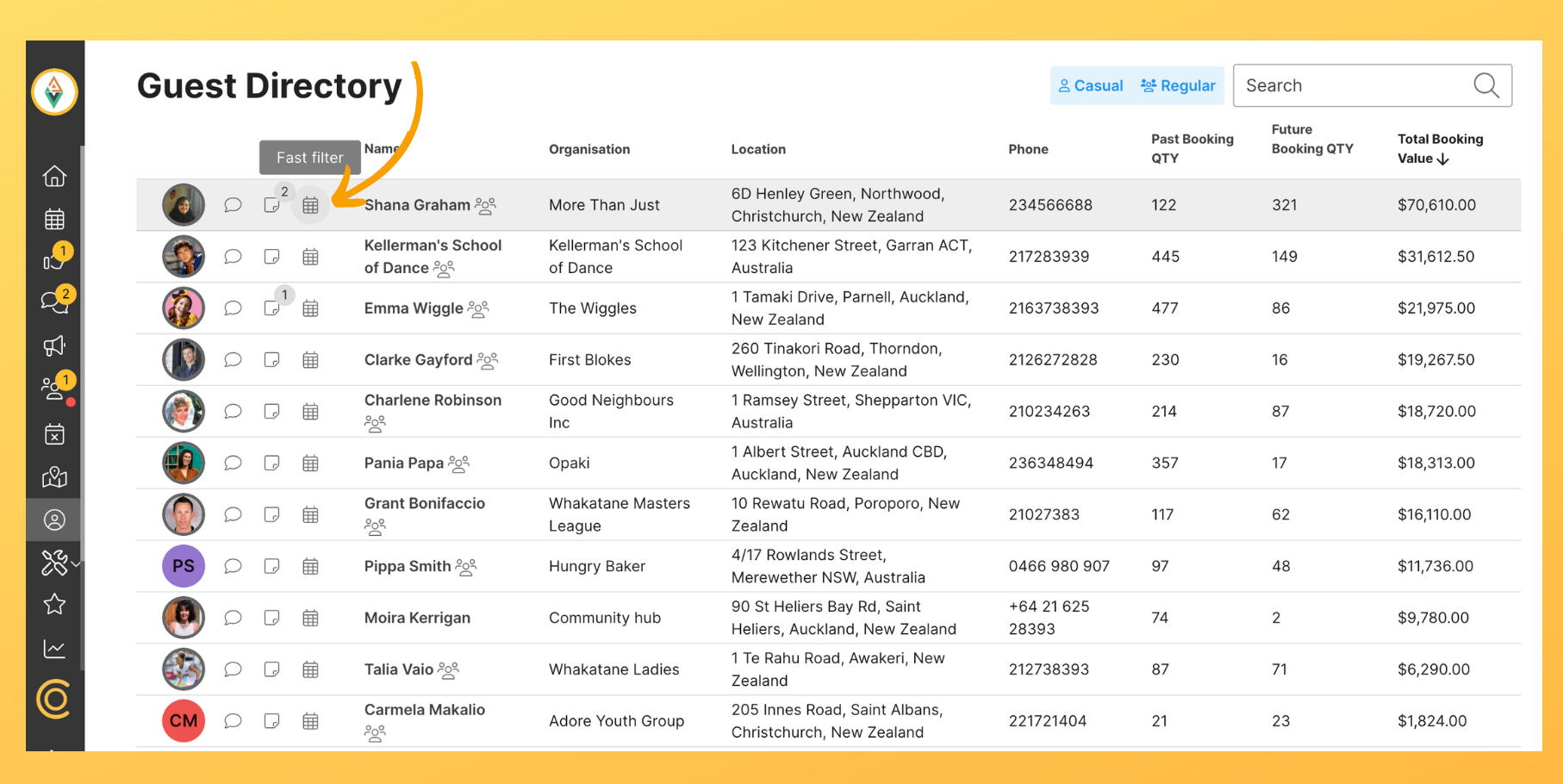
One way to do this is the very aptly named Fast Filter button, which filters bookings with specific discount codes, items/charges, tags, verApps, linked bookings and guests with a click - just look out for the calendar icon on certain pages of your host profile (eg. next to guests' names on the Guest Directory):
|
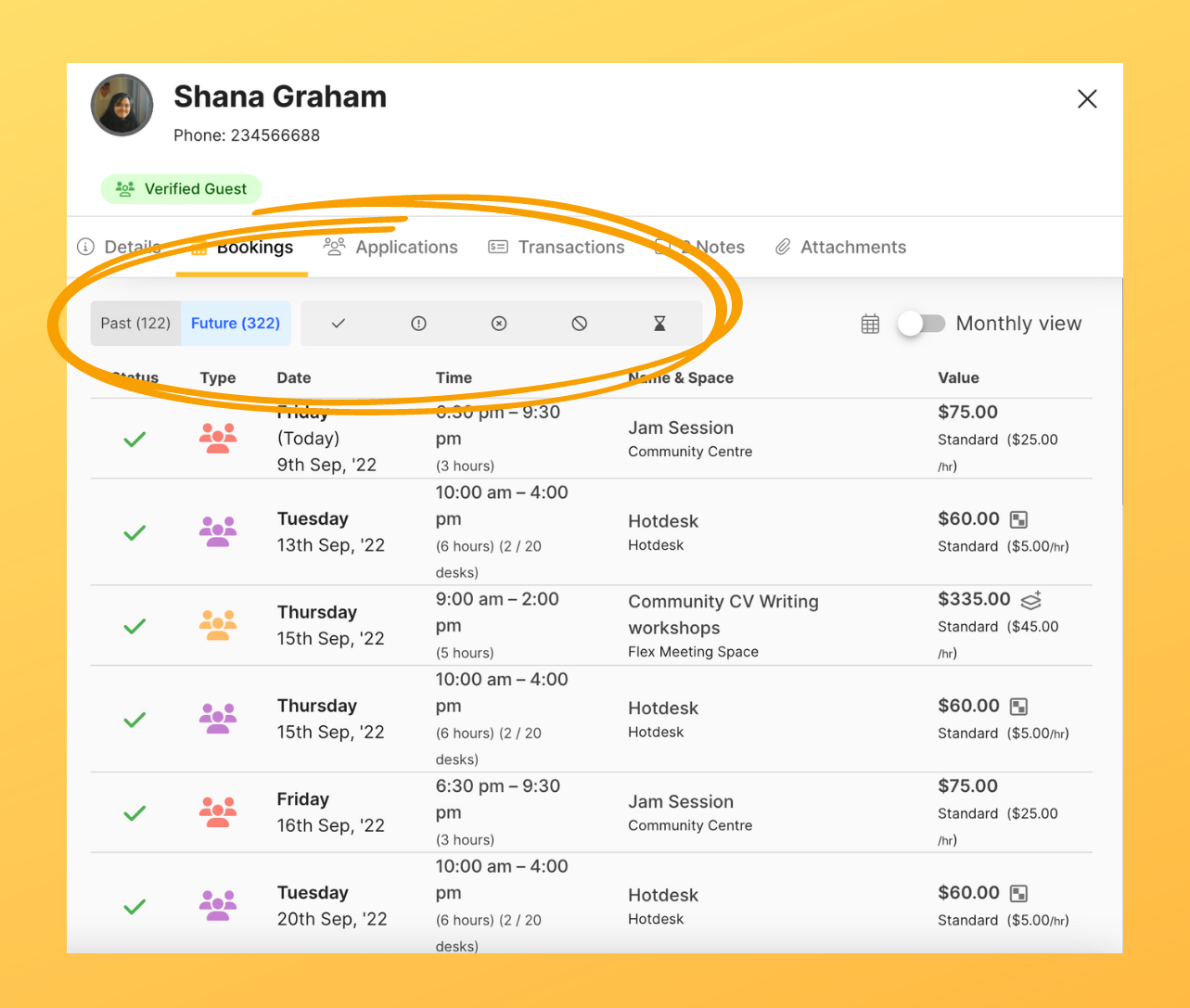
Speaking of the guest directory, another way to filter a guest's bookings is by opening up a their profile and using the grey toolbar to filter bookings according to booking status (eg. past, future, approved etc.):
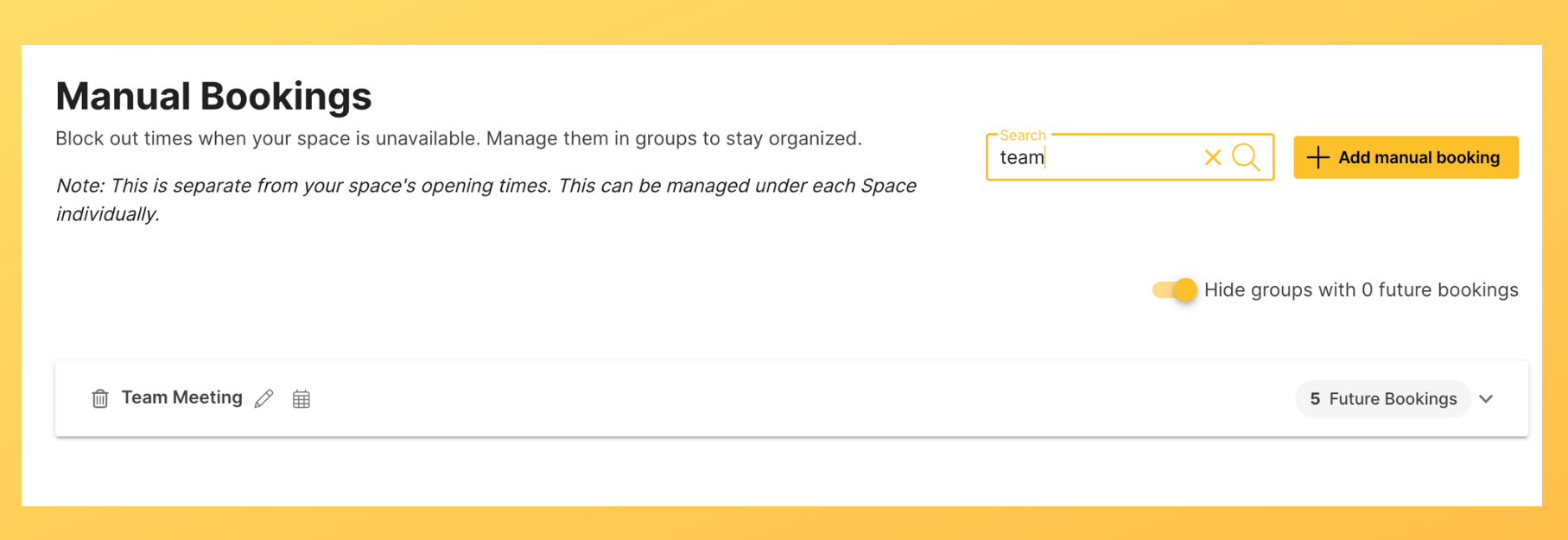
Finally, you can use the Super Search bar where you can type names/words to find bookings that have these characters. You can find Super Search in various pages on your host profile, including the Manual Bookings page:
Other time-saving features include:
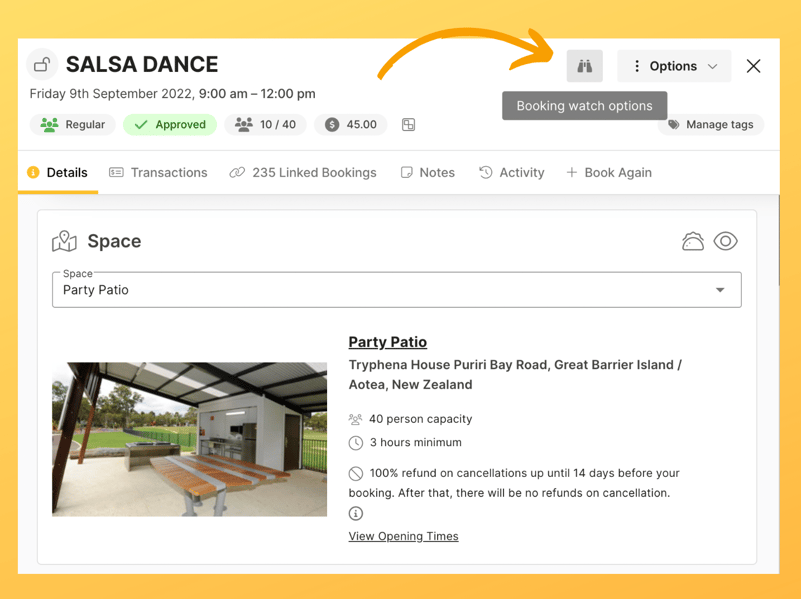 
Watch our video to see these and other features in action - and finally say "Yes, why I DO got time for that!" |
.svg)
Book a personalised demo with a local team member




© 2026 SpacetoCo PTY LTD | All Rights Reserved | hello@spacetoco.com | AU: (08) 6102 1191 | UK: 0330 818 2437 | NZ: (09) 887 4698
©️ 2025 SpacetoCo PTY LTD | All Rights Reserved |
AU: (08) 6102 1191 | NZ: (09) 887 4698