
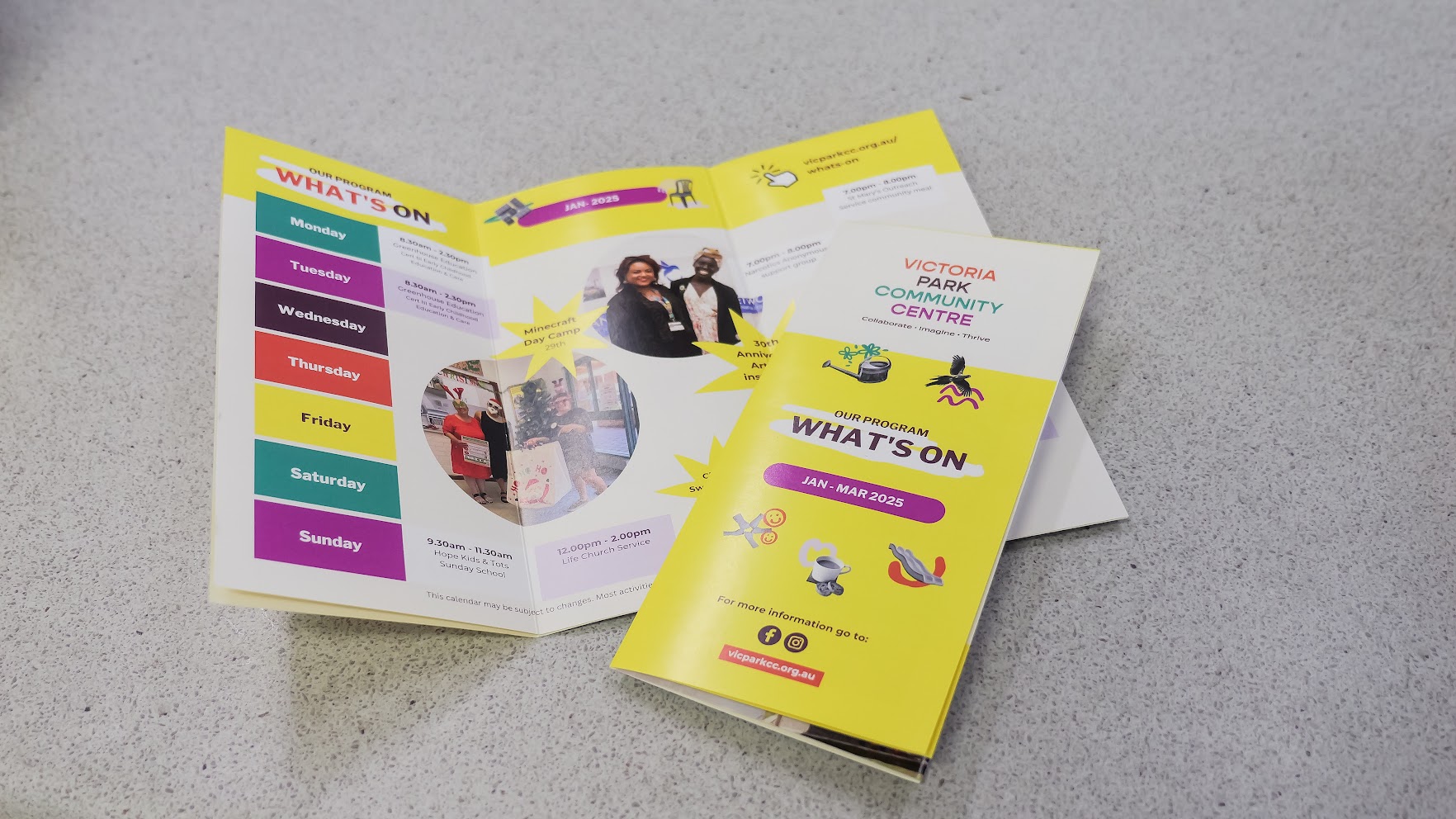
The Magic of Community Venues
There's something magical about local community venues. Almost everyone can point to a moment that happened in one: a wedding, a family reunion, a .
.svg)
If you run a community centre, you probably spend a lot of time answering the same question. What’s on this week?
Your rooms might be buzzing with activity, your regular groups are in full swing, and yet creating a tidy weekly summary for your newsletter or social feed can feel like it takes longer than it should. Especially when booking names are messy or you need to double check times across multiple spaces.
The good news is that SpacetoCo already holds the full picture. And with one simple shortcut, you can turn that data into a clean, ready to share weekly summary in just a couple of minutes.
Whether you already use SpacetoCo or you’re exploring what the platform can do, this tiny workflow is a surprisingly powerful timesaver.
Watch the 2 minute video here, and read on to find out more and get the prompt text…
Consistent communication helps your community feel connected. A simple weekly snapshot means:
Most importantly, it keeps your centre front of mind for the people who rely on it.
Here’s the high level version of how the shortcut works.
That’s it. No formatting headaches. No rewriting booking names. No juggling calendars.
You can also tell AI to tidy things up, remove anything private, fix capital letters, add emojis, use your tone of voice, or highlight specific groups. It adapts however you need it to.
Here’s the prompt text that we used that you can adapt:
'You are writing a newsletter summary of what's on at The Collective Community Centre. You need to write an engaging summary of what's going on in the rooms at the centre over the next 7 days. Please use the data in the attached CSV to create a day by day summary with names of the events and times. The audience is the centre community who want to see at a glance what's on. Please keep it short and sweet. Please correct any booking names to be sentence case. '
Here’s the example we created:
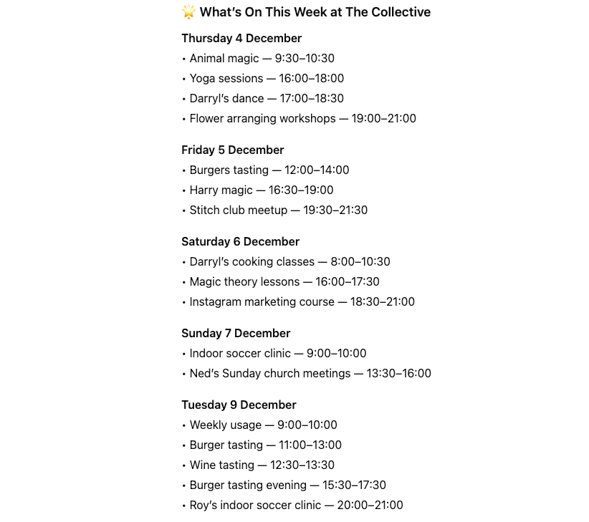
SpacetoCo already organises your booking data in a structured, predictable way. When you pair that with AI, you instantly get:
Once you try it a couple of times, it becomes a weekly habit that takes almost no time. You can even schedule the report to come straight to your inbox.
Do I need to be a tech expert?
Not at all. If you can download a CSV and paste it into a message, you’re set.
Does this work for both regular and casual bookings?
Yes. You simply choose which bookings to include in your report.
Can I customise the tone of the summary?
Yes. AI can match your centre’s style, add personality, or keep it simple.
How long does it take?
Usually less than two minutes once you have your prompt saved.
Can I use free tiers of AI tools to do this?
Yes, so long as you haven’t used your free credits, this process doesn’t require the higher tier of AI tools.
Can I use any AI tool?
It will work on most of the popular LLM models e.g. ChatGPT, Gemini, CoPilot etc.
Watch the guide, grab your weekly report, and try the shortcut for yourself.
Not using SpacetoCo yet? Book a call with our expert team to see how our reporting can get you days back a month and help you communicate and track your impact.
.svg)
Book a personalised demo with a local team member




© 2026 SpacetoCo PTY LTD | All Rights Reserved | hello@spacetoco.com | AU: (08) 6102 1191 | UK: 0330 818 2437 | NZ: (09) 887 4698
©️ 2025 SpacetoCo PTY LTD | All Rights Reserved |
AU: (08) 6102 1191 | NZ: (09) 887 4698